 RankEngine
Most merchants don't need “the best SEO tool.” They need the right tool for the job. A crawler can expose duplicate canonicals, but it usually won't repair a Shopify product template and prove that the live storefront now contains the intended value. A content editor can improve topical coverage, but it won't necessarily identify an indexing directive blocking a collection.
That distinction shapes this comparison of on page optimization tools for Shopify. Each platform is assessed by the work it performs: auditing, technical diagnosis, content improvement, strategic planning, monitoring, or Shopify implementation. The practical question is not which dashboard has the longest feature list. It's whether the tool can move a merchant from recommendation to controlled change, and from published change to verified live state.
This matters as search expands beyond conventional results. Shopify's current SEO guidance connects AI-search readiness with crawler access, structured data, machine-readable product relationships, and monitoring in Search Console, while Google says there are no additional technical requirements for AI Overviews or AI Mode. The strongest workflow therefore combines sound on-page fundamentals with clear content and trustworthy implementation, rather than speculative keyword tactics. For broader context, see this guide to AI SEO optimization for eCommerce teams.
Table of Contents
- 1. RankEngine
- 2. Semrush
- 3. Ahrefs
- 4. Screaming Frog SEO Spider
- 5. Sitebulb
- 6. Surfer
- 7. Clearscope
- 8. MarketMuse
- 9. Frase
- 10. PageOptimizer Pro
- Top 10 On-Page Optimization Tools Comparison
- Build a Practical On-Page SEO Stack
1. RankEngine
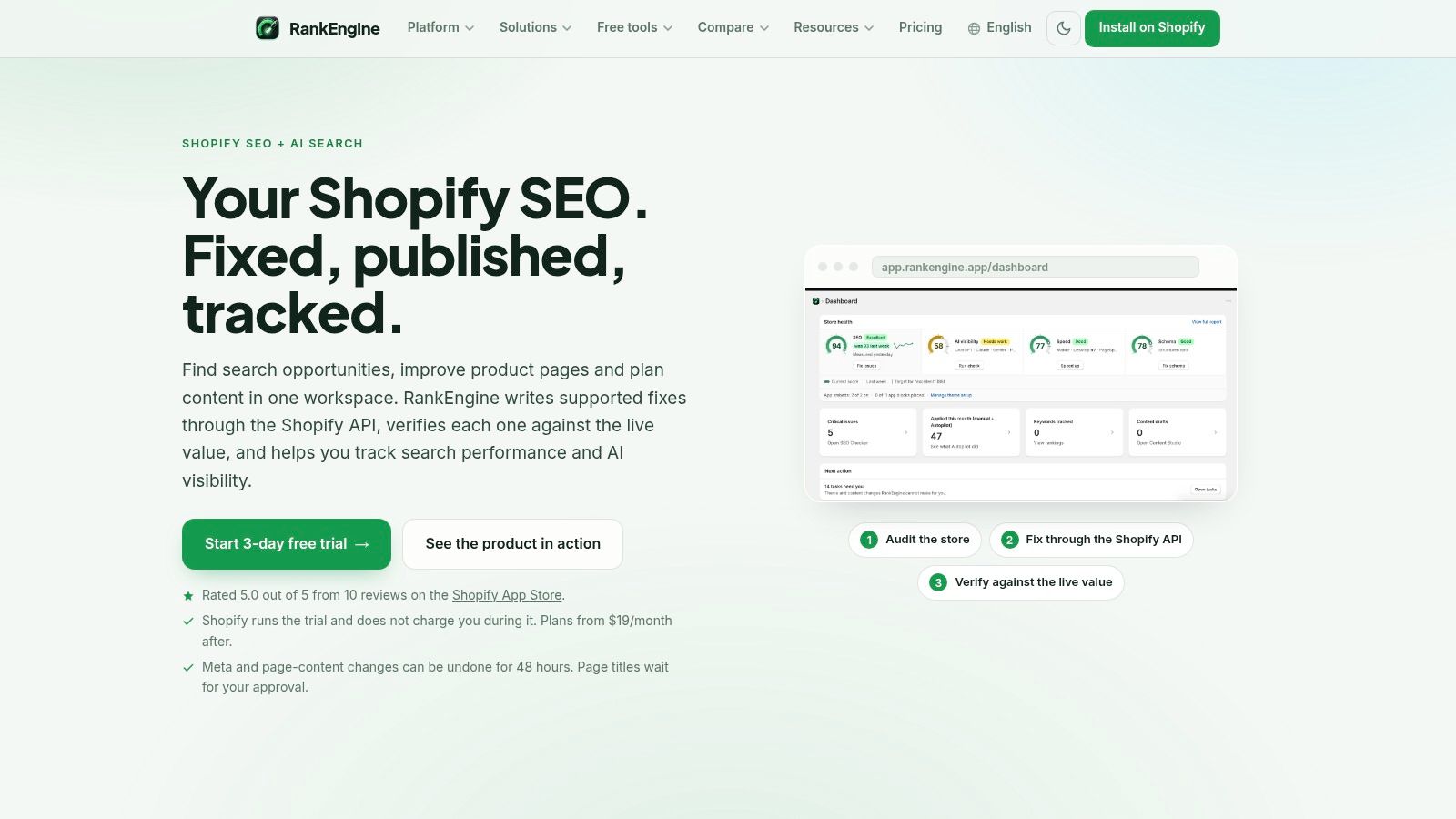
A Shopify audit is only useful if the recommended change reaches the live storefront. RankEngine is designed around that implementation gap, combining recommendations, implementation, and verification in one workflow. It reads store data through the Shopify Admin API, metafields, and theme-app integration, then writes supported changes back through Shopify instead of treating a crawl snapshot as the final source of truth.
The distinction is operational. An audit can identify a missing meta description, and a merchant can edit the field, while a theme, app, or publishing issue still prevents the storefront from serving the intended value. RankEngine reads the live value after a change is written and marks the task complete only when verification succeeds. Its role therefore extends beyond technical diagnosis into controlled Shopify implementation.
What it does well for Shopify
RankEngine works across products, collections, pages, blog articles, images, and schema. Supported fixes include meta titles and descriptions, headings, canonicals, alt text, redirects, internal links, indexing hygiene, and JSON-LD structured data. It also supports Product, Article, Organization, Breadcrumb, FAQ, and LocalBusiness schema with validation.
The implementation workflow is suited to catalog-heavy stores:
- Safe bulk changes: Merchants can standardize titles, descriptions, H1s, redirects, and sitemaps across large inventories.
- Controlled automation: Autopilot rules handle routine fixes with logs. Restore points and undo support provide rollback for eligible changes.
- Human review: Theme decisions, brand-sensitive copy, and judgment-heavy edits remain in a manual queue rather than being treated as automatic fixes.
- Measurement in one workspace: Search Console synchronization, rank tracking, impressions, clicks, competitor tracking, backlinks, and reporting connect implementation with follow-up.
RankEngine also includes AI-search readiness within its technical SEO workflow. It supports llms.txt, agent.json, crawler access controls, machine-readable product manifests, and visibility monitoring across ChatGPT, Claude, Gemini, and Perplexity. These functions address accessibility and machine-readable information, while observed citations remain a separate outcome. A store can expose structured information without guaranteeing that an assistant will cite it.
Practical rule: A fix is operationally complete only after the live storefront confirms it, not when an audit card changes color.
Limitations and best fit
RankEngine fits Shopify store owners, DTC teams, Shopify Plus operators, agencies, and content or merchandising teams managing substantial catalogs. It can apply and verify supported fixes immediately, but search engines still need to recrawl and reevaluate them. Better technical readiness does not guarantee higher rankings or AI citations.
Some root-level discovery files may require a Cloudflare Worker or developer involvement. Theme and brand decisions also cannot always be automated safely. The undo window for meta and page-content changes is limited to 48 hours, so teams should use the audit trail and approval flow deliberately.
The product brief lists a 5.0 out of 5 rating from 10 Shopify App Store reviews, a 3-day free trial, and pricing that starts at $19 per month on Basic or $59 per month on Pro. Annual billing offers a 20% saving, with annual equivalents of $15.20 per month and $47.20 per month respectively. Pricing and plan limits may change, so merchants should verify the current details on the RankEngine website.
2. Semrush
Semrush is strongest when an on-page task needs competitive context before execution. Its On Page SEO Checker compares target URLs with ranking competitors and turns the comparison into page-level ideas tied to target keywords. Site Audit adds crawling for titles, meta descriptions, headings, content signals, technical issues, and performance-related problems.
That combination makes Semrush useful for an e-commerce team asking, “What could this page improve relative to the pages already competing for the query?” The recommendations can include explanations of why an action may help, which gives content teams more context than a raw error label.
The limitation is workflow fragmentation. Semrush can identify an opportunity and help prioritize it, but the merchant generally still needs to implement changes in Shopify or through another system. Its idea units and plan limits can also confuse first-time users, while the platform's broad module set means the total cost and learning burden rise when a team adopts keyword research, auditing, rank tracking, content, and competitive tools together.
For Shopify, Semrush is therefore a research and prioritization layer, not a Shopify-native publishing layer. It pairs well with a verified implementation tool when the team wants competitor-informed recommendations followed by API-based changes and live read-back. Merchants comparing platforms can also review Semrush alternatives for SEO workflows.
Semrush tells you why a page may need attention. It doesn't, by itself, establish that the Shopify storefront now reflects the recommendation.
Use Semrush when competitor analysis and broad search intelligence drive the workflow. Consider replacing it, or narrowing its role, when the team already has reliable first-party data and needs fewer ideas but faster, auditable catalog execution. For wider market context, this discussion of Semrush acquisition SEO impact for tech firms provides an external perspective.
3. Ahrefs
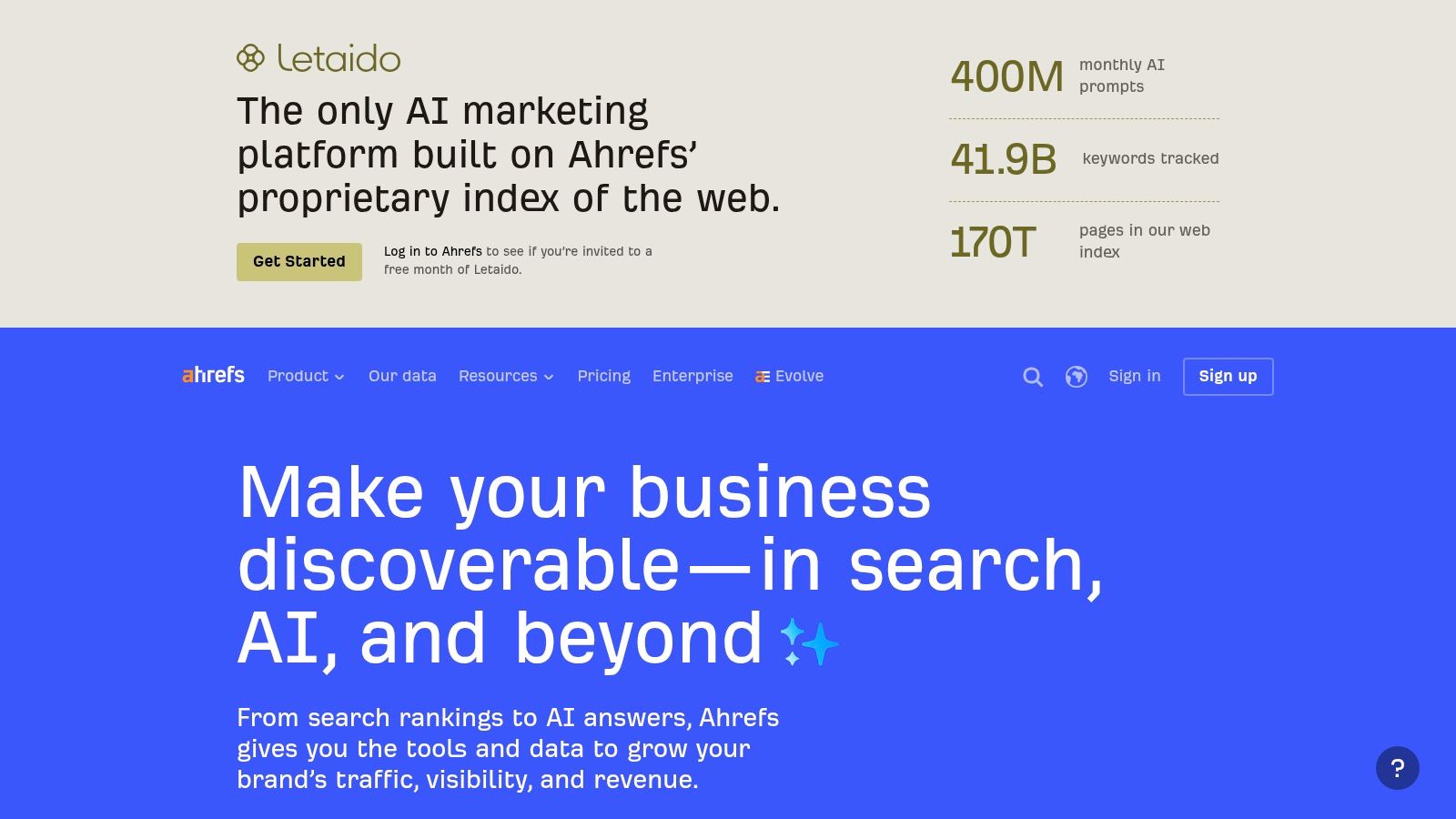
Ahrefs is a strong choice for technical discovery combined with broader search and backlink intelligence. Its Site Audit identifies 170+ on-page and technical issues, including title and meta problems, duplicate pages, hreflang concerns, and related crawl findings. Health scores and issue breakdowns help an SEO team turn a large crawl into a prioritized work queue.
Ahrefs Webmaster Tools gives owners of verified domains ongoing access to a limited Site Audit tier at no charge. That makes it a practical starting point for a Shopify merchant who wants recurring visibility into product, collection, and editorial page health without immediately buying a broad enterprise platform.
The important boundary is implementation. Ahrefs can surface a duplicate title or canonical issue, but it isn't primarily a Shopify editing system. A merchant must translate findings into Shopify changes, theme work, app configuration, or a developer ticket. The platform also offers less editor-style guidance than dedicated content optimization products, so it isn't the natural choice for writers who need live drafting feedback.
Where it fits in a Shopify stack
Ahrefs works well as a diagnostic and research layer:
- Audit discovery: Find recurring metadata, duplicate, hreflang, and crawl problems.
- Competitive research: Investigate search competitors and backlink profiles before choosing pages to improve.
- Workflow integration: API and Page Explorer endpoints can help teams move audit data into internal processes.
- Low-risk starting point: Use Ahrefs Webmaster Tools to establish an owned-site audit baseline.
The case for combining Ahrefs with a Shopify implementation platform is straightforward. Ahrefs can explain the breadth and severity of the problem, while the implementation tool can apply a supported fix, preserve a change history, and confirm the live value. That division is more reliable than asking a crawler to act like a CMS.
For teams evaluating authority metrics alongside crawling, this comparison of Moz DA versus Ahrefs DR addresses a related measurement question. Ahrefs is best when research depth matters. It's less suitable as the only tool for a merchant whose main bottleneck is safe, verified publishing.
4. Screaming Frog SEO Spider
A metadata checker can confirm that a field is empty. Screaming Frog SEO Spider examines how the storefront is fetched, rendered, linked, and exposed to search engines. That makes it an auditing and technical diagnosis tool, not a Shopify publishing system.
Its crawl can inspect titles, meta tags, directives, hreflang, structured data, internal links, thin content, duplicate content, redirects, and indexability. JavaScript rendering helps investigate theme-generated elements and app behavior. Custom extraction, near-duplicate detection, crawl comparisons, and connections to Google Search Console, Google Analytics, and PageSpeed Insights extend the investigation beyond a basic page check.
This distinction matters on stores with layered apps, faceted navigation, redirects, or templates that generate markup dynamically. A crawler can reveal patterns across the catalog and show whether a release changed the site's output. It cannot determine from detection alone whether a condition is commercially harmful, nor can it safely edit the underlying Shopify configuration.
Match the Spider to the diagnostic question
Use it to answer, “What is the site technically serving and linking?”
- Catalog auditing: Locate missing or duplicated metadata across products and collections.
- Architecture testing: Examine internal links, canonicals, redirects, directives, and indexability.
- Markup validation: Inspect structured data and identify schema conditions requiring technical review.
- Release comparison: Compare saved crawls to identify changes after theme or app updates.
The workflow requires an operator who understands crawl settings, rendering, canonicals, directives, and the difference between a detected condition and a confirmed defect. The desktop application also uses local resources, while collaboration commonly depends on exports or shared findings rather than a central cloud workspace.
For Shopify merchants, the practical boundary is clear. Screaming Frog can demonstrate that a page still has the wrong canonical or that a template emits inconsistent structured data. The fix belongs in Shopify, theme code, an app, or developer work. A Shopify implementation platform may handle routine catalog changes faster and verify the live result, while the Spider remains the escalation tool for unusual crawl behavior.
That combination avoids treating a crawler as a CMS and keeps evidence, implementation, and verification as separate steps.
5. Sitebulb
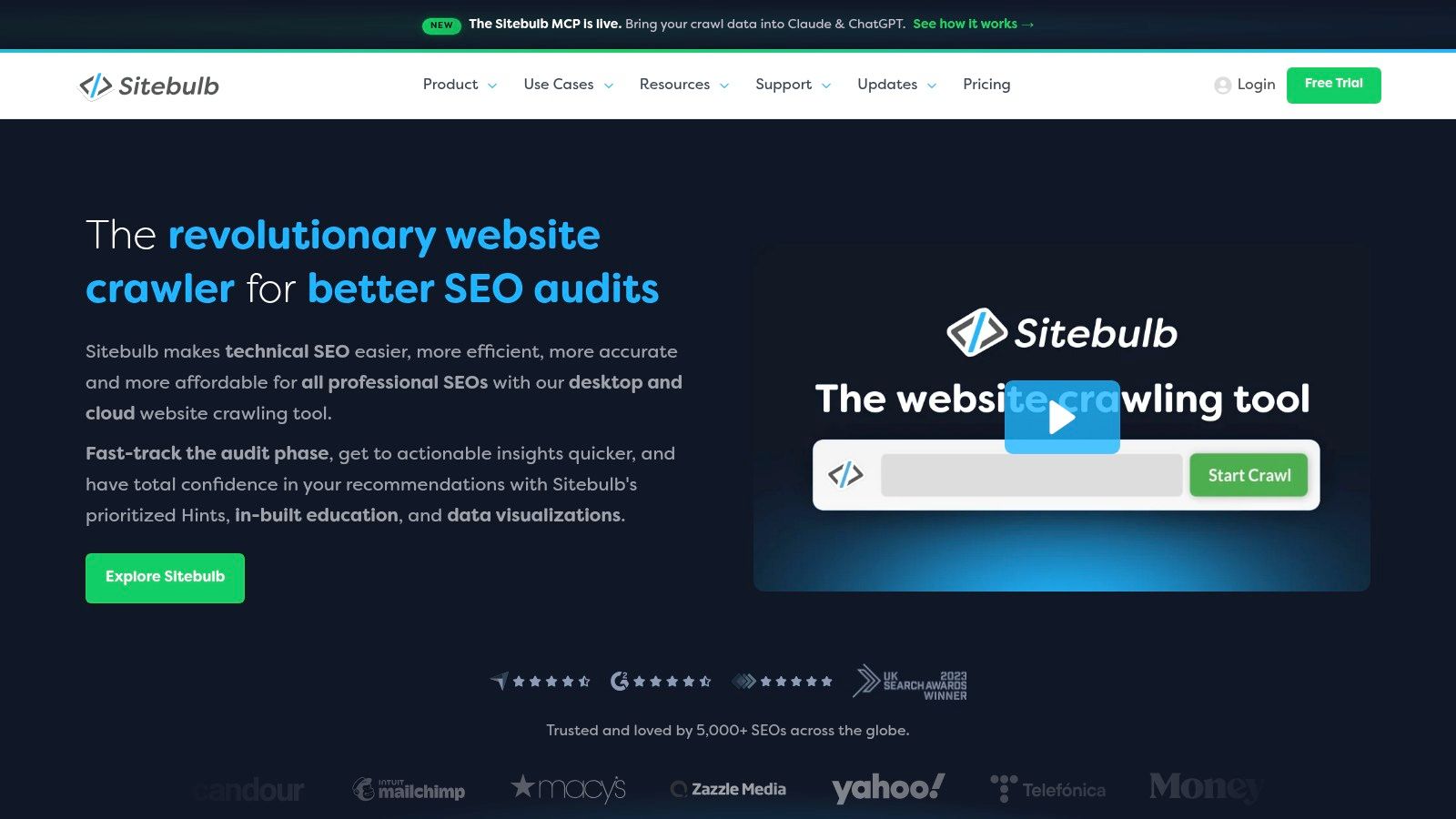
Sitebulb takes a different route to technical auditing. Instead of presenting a dense export of crawl findings, it emphasizes Hints, prioritization, visualizations, and stakeholder-friendly reports. That makes it especially useful when the person responsible for fixing an issue isn't the technical SEO who discovered it.
Sitebulb performs 300+ issue checks, explains findings in accessible language, and supports customized PDF reporting. JavaScript crawling is available without an additional charge, while desktop and cloud deployments accommodate different operating models. Scheduled crawls and recurring audits help teams monitor changes rather than treating an SEO audit as a one-time document.
The visual layer is valuable for Shopify agencies managing merchants who don't live inside crawl data. A report that connects a problem to affected page groups and explains its likely importance is easier to turn into a merchandising, development, or content task. The cloud option also improves team access for larger workflows and very large audits, including audits of up to millions of URLs.
What Sitebulb does not solve
Sitebulb identifies and explains. It doesn't become the Shopify admin that applies a new meta title, changes a product field, or confirms that the theme now outputs valid JSON-LD. A merchant still needs an implementation path, and that path may involve Shopify's admin, theme code, an app, or developer work.
Pricing can also require more investigation. Desktop pricing uses a configurator rather than a simple published figure, while cloud plans cost more even though they start at a published floor. Those details matter for agencies deciding whether report quality justifies a broader recurring workflow.
Choose Sitebulb when communication and prioritization are the hard parts of technical SEO. Choose Screaming Frog when the operator needs maximum hands-on control and extraction depth. Choose a Shopify-native implementation layer when the team has already diagnosed the issue and needs safe execution. The tools overlap in discovery, but they serve different users after the crawl ends.
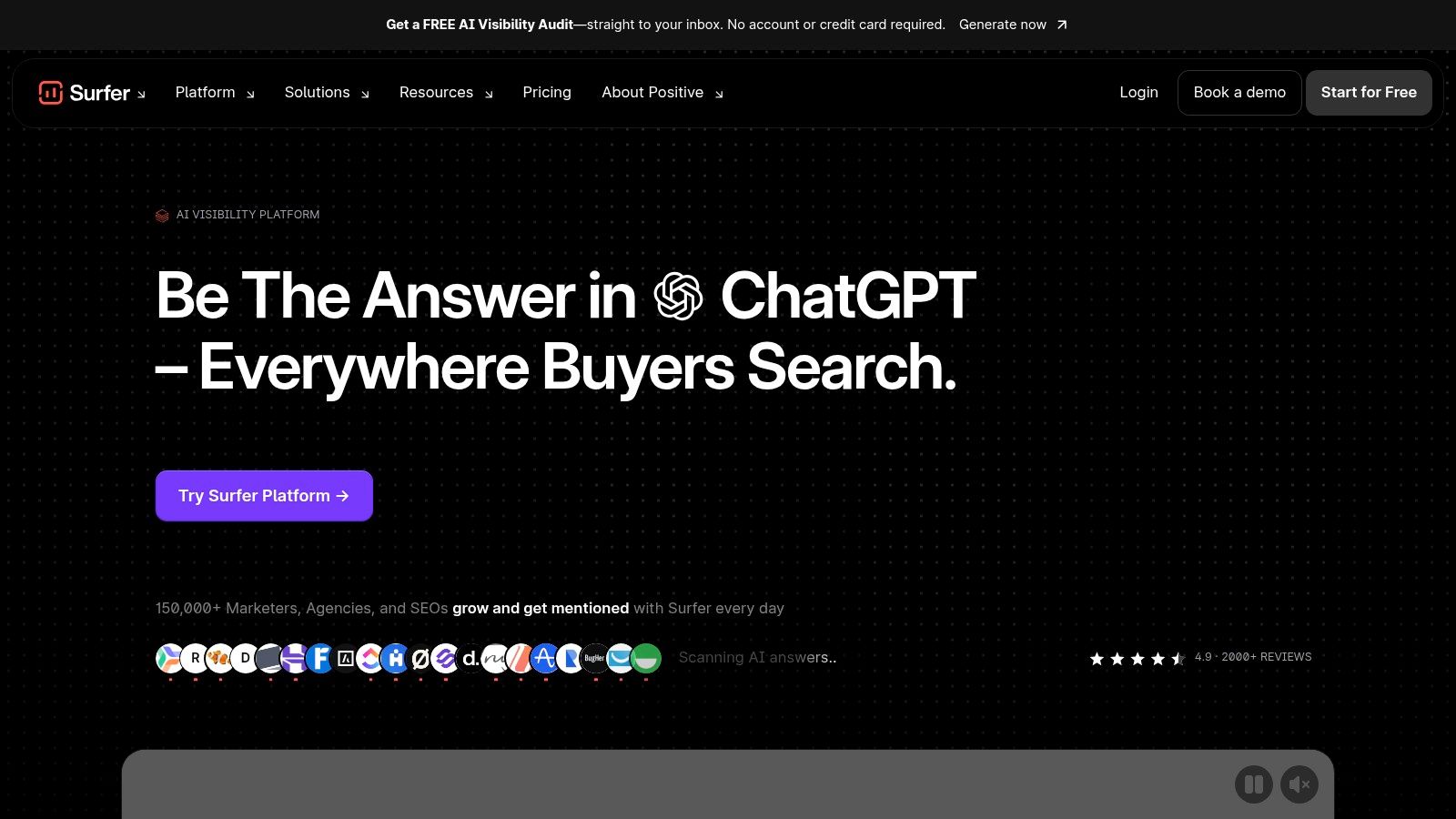
6. Surfer
Surfer addresses content-level optimization. Its Content Editor evaluates terms, headings, structure, and word count against patterns found in current search results, giving writers guidance while they edit. Auto-Optimize and version history support repeated revisions, so the workflow is closer to editorial improvement than to a one-time audit.
That distinction matters for Shopify merchants. Surfer can support product descriptions, collection copy, buying guides, and blog posts when the problem is incomplete coverage or weak alignment with search intent. It can help a team improve drafts at scale, but its score remains an input to editorial judgment, not a publishing rule. SERP patterns do not account for product differentiation, merchandising priorities, accessibility, brand terminology, or whether a recommendation helps shoppers.
Surfer improves the copy. It does not diagnose whether Shopify delivers that copy correctly.
Where Surfer fits in a Shopify workflow
Google Docs and WordPress integrations suit writer-led production. Shopify teams may need a separate process to transfer approved changes into product, collection, or blog fields. A crawler remains responsible for technical diagnosis, including canonicals, indexation, redirects, schema validation, and internal-link architecture. Search Console can provide another layer of performance and indexing evidence.
A practical workflow separates those jobs:
- Content review: Use Surfer to assess headings, topical coverage, and page structure.
- Technical diagnosis: Use a crawler or Search Console-connected audit to find delivery and indexability problems.
- Implementation: Apply approved changes through Shopify's normal admin, app, or theme workflow.
- Verification: Inspect the live URL to confirm that the storefront matches the intended edit.
This separation prevents a strong content score from being mistaken for verified SEO performance. It also clarifies when to combine tools: pair Surfer with a technical crawler when content and delivery are both issues. Replace it with an auditing tool when the store's main problems concern templates, metadata at scale, or indexability.
Surfer suits writers and editors, especially where content volume justifies a structured optimization process. Teams comparing its content workflow with Ahrefs' broader research and auditing role can consult this Surfer SEO versus Ahrefs comparison.
7. Clearscope
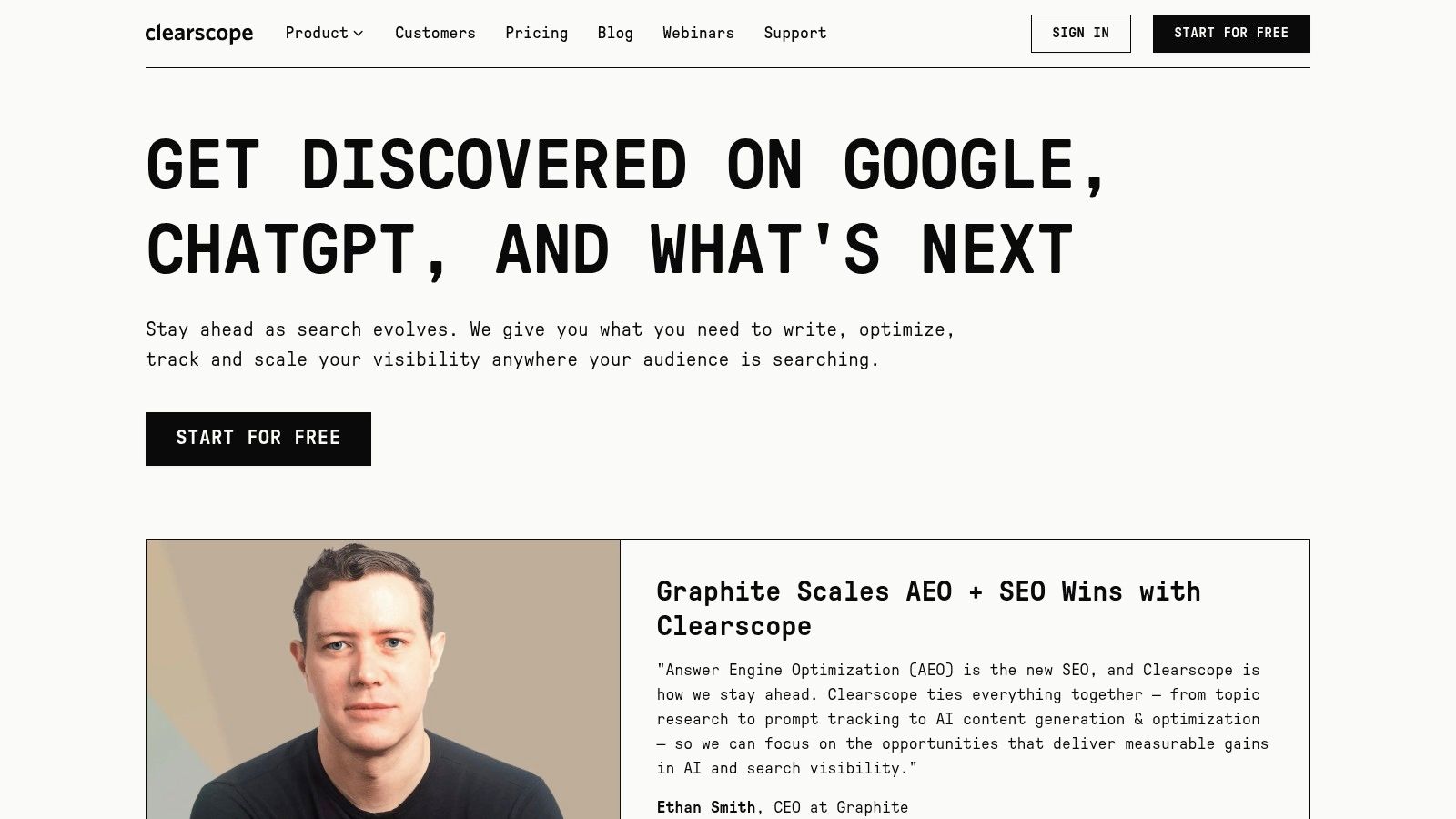
Clearscope targets premium editorial operations, with real-time draft grading, term coverage recommendations, content inventory, and integrations with Google Docs, WordPress, and Microsoft Word. Its central job is to help writers and editors produce or refresh content consistently, especially when several people share responsibility for quality.
The Content Inventory connects with Google Search Console for monitoring and refresh workflows. That creates a useful editorial loop: identify content that needs attention, open a working draft in the team's preferred environment, improve coverage, and return the page to publication. Collaboration features make Clearscope better suited to managed editorial teams than to a solo merchant making occasional product edits.
Its Shopify relevance depends on the type of content being managed. Clearscope can guide blog posts, buying guides, and substantial landing-page copy. It isn't a Shopify catalog control plane, so it won't automatically standardize hundreds of product titles, inject product schema, or confirm that an edit persisted in the storefront.
Strengths and trade-offs
Clearscope's term suggestions are the main reason to choose it over a general crawler. It gives writers a controlled language and coverage environment, while editors can review drafts before publication. Product updates also address AI and visibility tracking, which can help teams extend monitoring beyond traditional rankings.
The trade-offs are cost and plan complexity. Clearscope is positioned above many writer-focused tools, and customers may need clarification about pricing and credits or page models before committing. That can be justified for an editorial department with repeatable governance, but it may be excessive for a Shopify operator whose priority is metadata hygiene and verified catalog fixes.
Use Clearscope when editorial consistency is the constraint. Use Surfer when writers want a more immediate optimization workspace. Use MarketMuse when the bigger decision is what the content library should cover. None of these replaces a technical crawler or Shopify implementation workflow.
8. MarketMuse
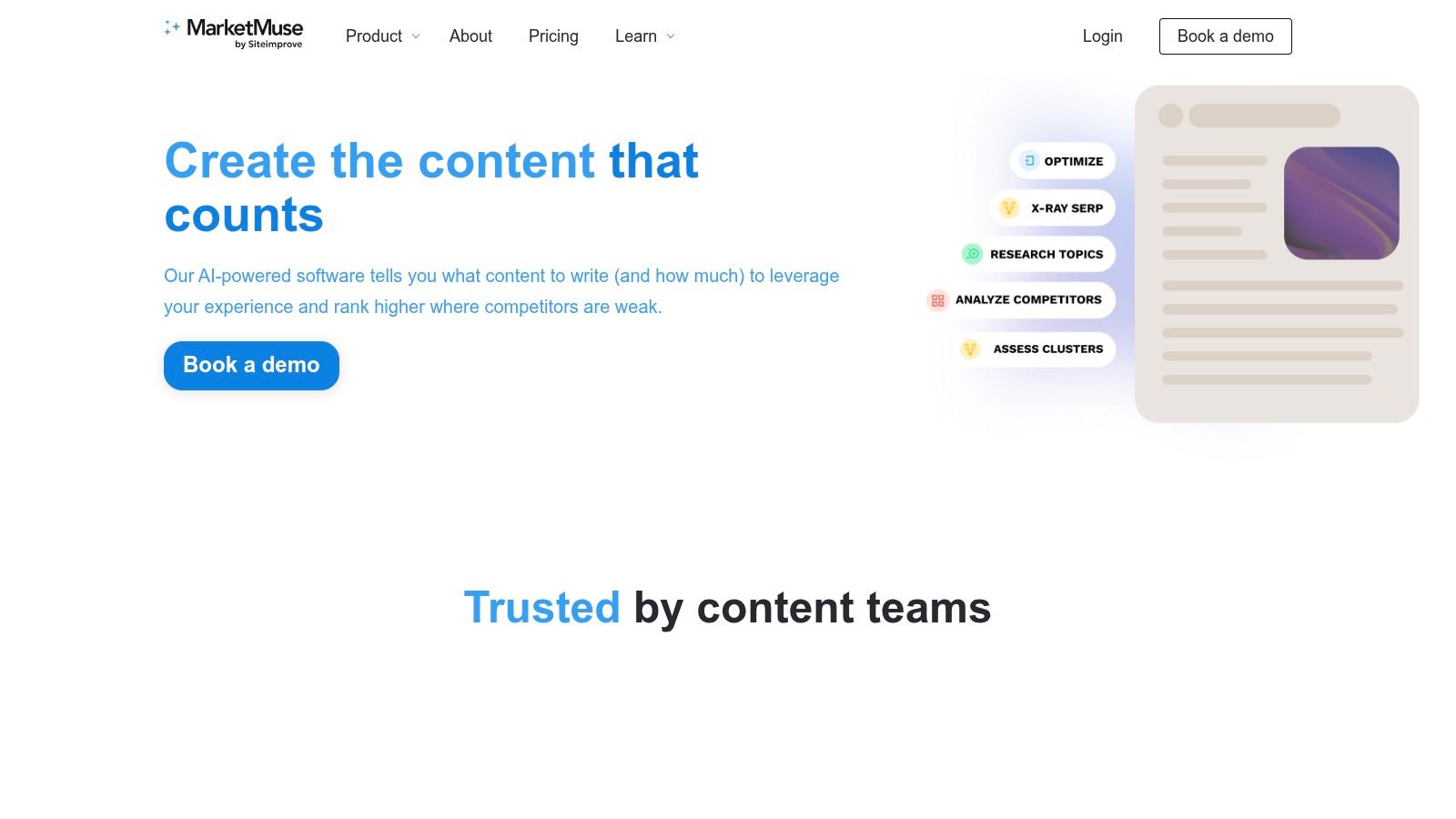
MarketMuse serves a different job from a crawler or page-level editor. It helps content teams decide which topics to create, expand, or refresh across a wider library. Topic modeling, Content Score and Target measures, Inventory, SERP X-ray, heatmaps, and automated briefs support prioritization rather than direct storefront changes.
For a Shopify brand, that distinction affects where the platform fits. Product and collection pages can meet technical requirements while the broader content system lacks buying guides, comparisons, or educational pages that clarify a category. MarketMuse can identify those topic gaps, connect them to existing inventory, and help teams assign editorial effort according to authority and difficulty.
The platform's modeling also provides a planning layer that simpler term-matching editors do not. Teams can set a page target, compare coverage with competing content, and assess whether an existing asset merits a refresh. The output informs editorial investment. It does not confirm that Shopify has published the resulting change correctly.
Match MarketMuse to the planning job
MarketMuse will not resolve a Shopify canonical, edit a product metafield, or verify that a theme serves the intended schema. Public pricing is less transparent, and some capabilities may require higher-tier plans. That makes the platform a better fit for a content team with an established planning process than for a merchant seeking a low-cost technical checker.
A useful stack assigns each system a separate responsibility:
- MarketMuse prioritizes the content portfolio.
- A content editor develops or refreshes the page.
- A crawler tests technical delivery and internal relationships.
- Shopify-native tooling applies supported changes and checks the live result.
These workflows overlap around page quality, but they do not produce the same evidence. Topic planning identifies where editorial resources may have the greatest value. It does not establish that a page is indexable, correctly canonicalized, or published as intended. Choose MarketMuse when content portfolio prioritization is the constraint. Pair it with implementation and technical tools, or replace it when the immediate problem is storefront execution.
9. Frase
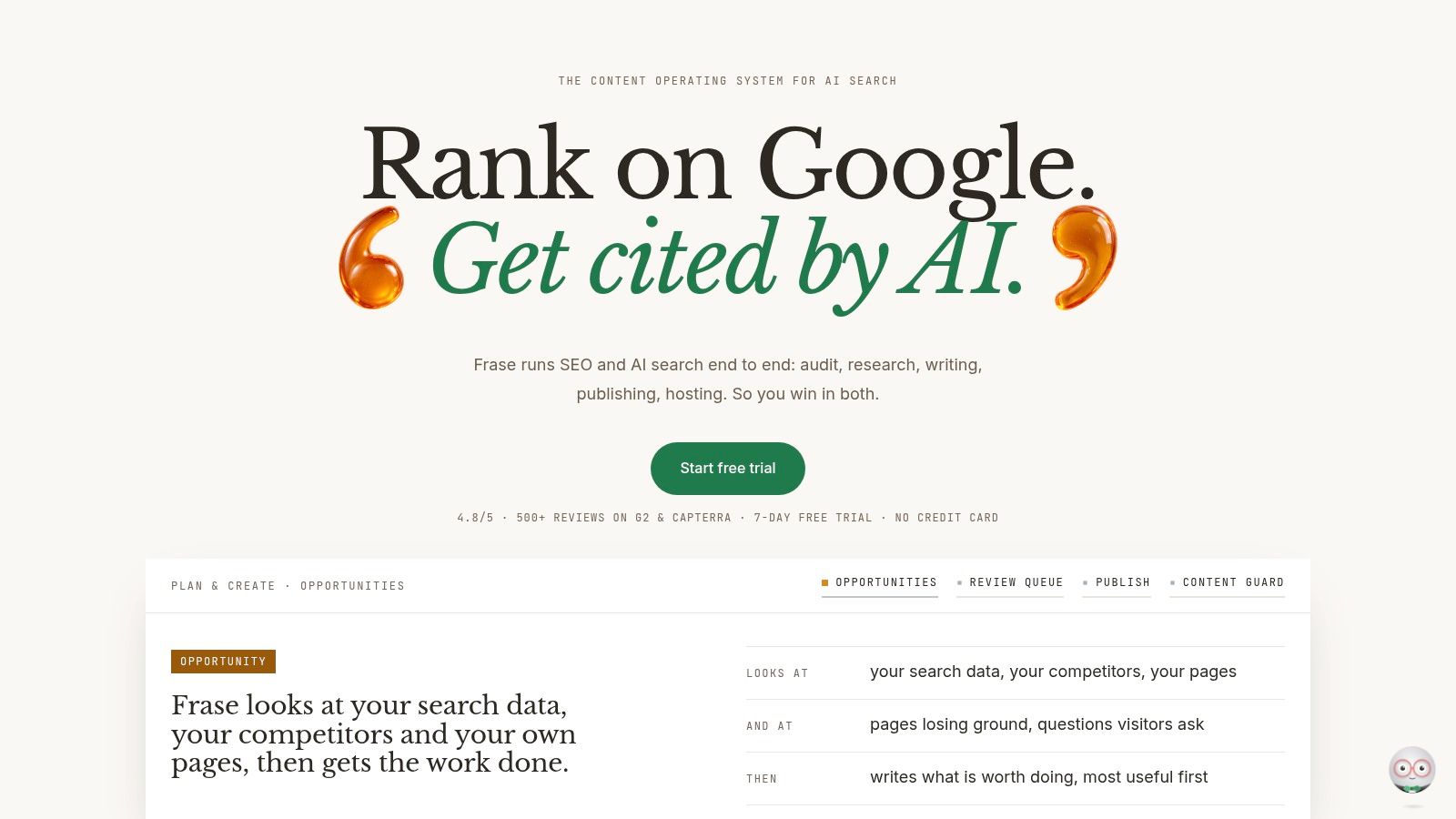
Frase aims to connect research, writing, optimization, auditing, publishing, and AI-visibility monitoring. Its Site Auditor evaluates technical SEO, content quality, and AI readiness, while Content Guard helps identify content decay and propose or auto-publish fixes. AI Visibility tracking covers brand presence in ChatGPT, Google AI, Perplexity, Claude, and Gemini.
The appeal is the end-to-end loop. A team can research a topic, create a draft, optimize it, monitor the result, and revisit the page when its performance or content condition changes. Frase also offers CMS publishing integrations for WordPress, Webflow, Sanity, and Wix, plus optional FraseCMS hosting.
For Shopify merchants, the integration question is decisive. Frase's publishing workflow is designed around the CMS connections it supports, so a Shopify team should confirm exactly which actions can reach its products, collections, pages, and blogs. A content workflow that stops at a draft still leaves the merchant with a separate implementation problem.
A useful bridge, with limits
Frase is more integrated than a standalone content editor because it brings auditing and AI visibility into the same product. That makes it attractive to agencies and teams that want clear plan breakdowns, scalable seats, and domain management. Higher tiers may be needed for larger AI Visibility usage or white-label portals, which can affect the economics of an agency deployment.
The platform also illustrates why “AI SEO” should remain grounded in ordinary on-page quality. Shopify's guidance emphasizes accessible structured content, crawler controls, FAQs for agents, product relationships, and machine-readable signals. Those requirements still need a reliable implementation path, regardless of how compelling the monitoring interface looks.
Choose Frase when content operations and visibility monitoring belong together. Add a Shopify-native execution layer when live catalog changes, schema injection, rollback, and read-back verification matter. Replace overlapping features only after confirming that the remaining tool can handle both the content workflow and the publishing surface your store uses.
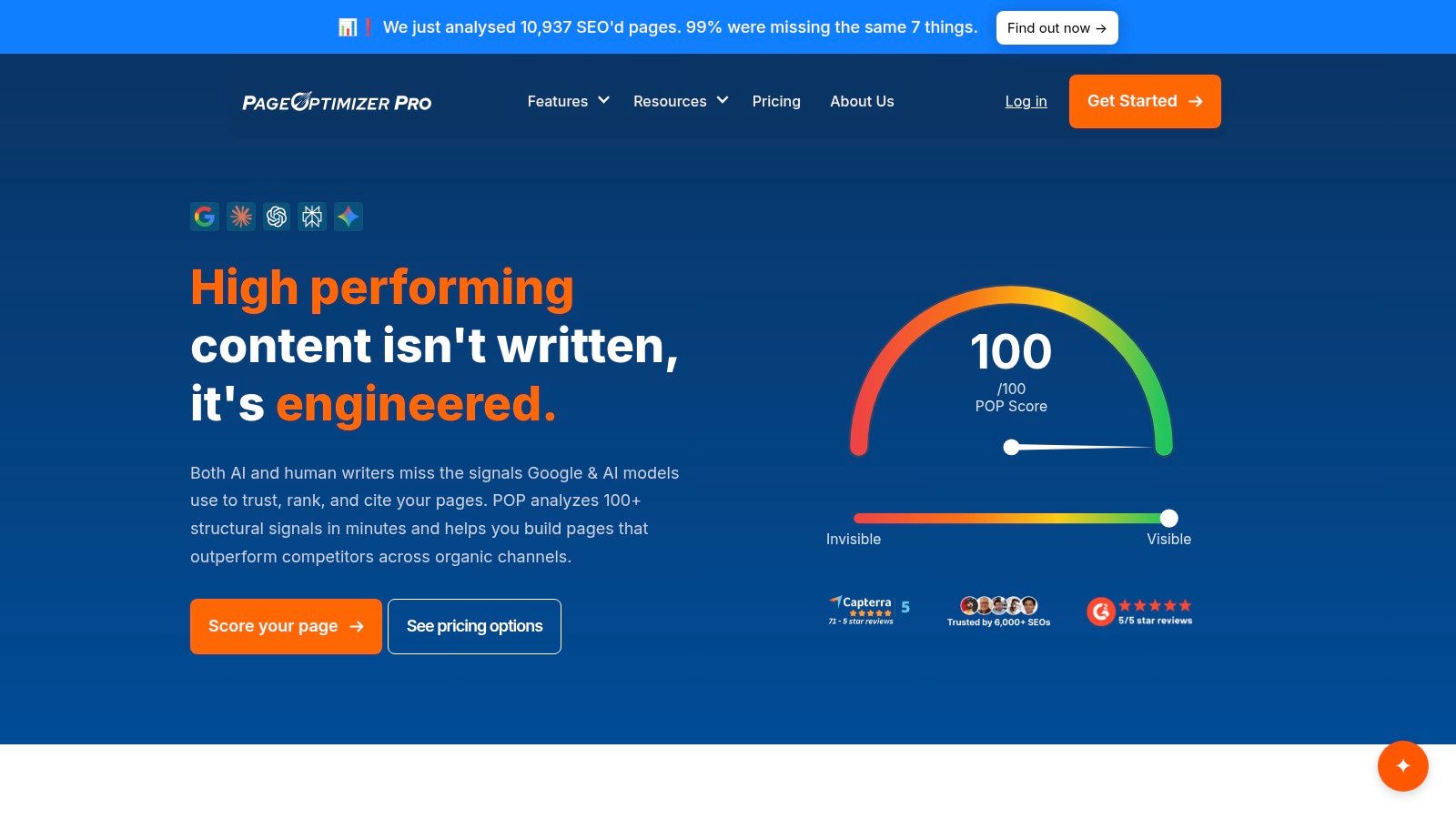
10. PageOptimizer Pro
PageOptimizer Pro serves a narrower job than a site crawler or Shopify implementation tool: it gives practitioners prescriptive, page-level recommendations based on competitor analysis. A report compares a target URL and keyword with competing pages, then turns recurring on-page patterns into specific tasks. Re-runs, EEAT and NLP analyzers, Google NLP reports, Watchdog monitoring, POP AI Writer, and an AI Visibility Tracker support repeated testing after revisions.
The workflow is deliberately selective. An SEO specialist can choose a priority URL, assess the recommendations against search intent and product context, make a controlled edit, and run the analysis again. That makes POP more relevant to category pages, commercial landing pages, and high-value editorial content than to a full-store diagnosis. It improves the decision layer, while publishing still happens elsewhere.
Correlation sets a boundary. POP identifies characteristics shared by ranking competitors, but those patterns do not prove that a term or element caused their performance. Adding recommended terms without editorial judgment can create awkward copy, weaken accuracy, or conflict with accessibility and brand voice. A skilled operator must decide which findings are useful and which should be rejected.
POP fits a specialist workflow when the team values:
- Page-level specificity: Each recommendation connects to a keyword and URL, not only a site-wide score.
- Fast iteration: Re-runs show how a revision changes the page's alignment with the report.
- Practitioner control: Human review remains visible in the optimization process.
- Monitoring: Watchdog and visibility functions extend evaluation beyond the first report.
Its boundaries determine how it should fit the stack. POP does not replace Screaming Frog, Sitebulb, or Ahrefs for broad technical crawling, and it does not apply Shopify catalog changes or verify live storefront values. Use it for evidence-led page refinement, then pair it with a technical auditor or Shopify execution layer when diagnosis and verified implementation are also required.
Top 10 On-Page Optimization Tools Comparison
| Product | Core features ✨ | Unique value / USP | Quality ★ | Best for 👥 | Price / Value 💰 |
|---|---|---|---|---|---|
| RankEngine 🏆 | Shopify‑native SEO + AEO audit, verified auto‑fixes, JSON‑LD, llms.txt/agent.json, Autopilot | ✨ Verified live writes + read‑back verification, restore points & undo, AI‑visibility tracking (ChatGPT/Claude/Gemini/Perplexity) | ★★★★★ | 👥 Shopify merchants, DTC teams, agencies | 💰 Free plan + 3‑day trial; Basic $19/mo, Pro $59/mo |
| Semrush | On‑page SEO Checker, Site Audit, keyword & competitor tools | ✨ Strong competitor context & actionable idea units | ★★★★☆ | 👥 E‑commerce teams needing competitive insights | 💰 Subscription; modular costs can add up |
| Ahrefs (Site Audit & AWT) | 170+ crawl checks, site/page health, API & Page Explorer | ✨ High‑quality crawl & backlinks data; AWT free tier for verified sites | ★★★★☆ | 👥 SEOs, agencies, backlink analysts | 💰 Paid tiers (premium); AWT offers free limited access |
| Screaming Frog SEO Spider | Desktop crawler, JS rendering, custom extraction, saved crawls | ✨ Pro‑grade deep crawl & comparison workflows | ★★★★☆ | 👥 Technical SEOs, developers | 💰 One‑time license/annual; local resource heavy |
| Sitebulb | 300+ checks, visualizations, PDF reports, cloud option | ✨ Educational “Hints” + stakeholder‑friendly visuals & cloud scheduling | ★★★★ | 👥 Teams needing clear guidance & visual reports | 💰 Desktop + cloud plans; cloud pricier |
| Surfer | Content Editor with live Content Score, Auto‑Optimize, integrations | ✨ Real‑time content scoring for writers & editors | ★★★★ | 👥 Content teams, copywriters, SEO writers | 💰 Mid‑tier subscriptions; best for high content volume |
| Clearscope | Real‑time draft grading, Content Inventory, Google Docs/WordPress integrations | ✨ Enterprise writer workflows and collaboration features | ★★★★☆ | 👥 Editorial teams, enterprises | 💰 Premium pricing; credits/pages model |
| MarketMuse | Topic modeling, Inventory, automated briefs, SERP heatmaps | ✨ Strategic topic authority planning with proprietary models | ★★★★ | 👥 Brands building topical authority & content programs | 💰 Enterprise‑oriented; pricing less transparent |
| Frase | Site auditor + content research, drafting, CMS publishing, AI‑visibility tracking | ✨ End‑to‑end research→write→optimize→publish loop with monitoring | ★★★★ | 👥 Agencies & content teams needing publishing workflows | 💰 Mid‑tier plans; scalable seats/domains |
| PageOptimizer Pro (POP) | Correlation‑based page reports, EEAT/NLP checks, Watchdog monitoring | ✨ Prescriptive, competitor‑driven page‑level tuning for fast iteration | ★★★★ | 👥 Hands‑on SEOs and CRO practitioners | 💰 Affordable tiers; unlimited reports on upper plans |
Build a Practical On-Page SEO Stack
The right tool depends on the decision your team needs to make. If the priority is applying and verifying catalog fixes, start with a Shopify-native implementation platform. RankEngine is designed for that job, with Shopify API writes, live read-back verification, structured data controls, indexing tools, internal-link support, change history, and a manual-review queue for decisions that shouldn't be automated.
Choose a crawler when the question is technical and broad. Screaming Frog gives advanced operators deep control over crawl behavior, extraction, rendering, and comparisons. Sitebulb makes findings easier to explain and prioritize for stakeholders. Ahrefs combines site auditing with competitive and backlink research, while Semrush adds page-level recommendations shaped by competitor context and a wider marketing suite.
Content tools solve a different problem. Surfer and Clearscope help writers improve drafts and refresh content according to topic coverage and SERP patterns. MarketMuse works further upstream, helping teams decide which subjects deserve investment across a content inventory. Frase connects research, creation, auditing, and AI-visibility monitoring, but Shopify merchants should confirm the exact publishing path before assuming that an end-to-end workflow reaches every store surface.
PageOptimizer Pro is for a hands-on SEO specialist who wants page-specific, competitor-based tuning. Its recommendations need human quality control because a pattern among ranking pages isn't automatically a rule for every product, collection, or article.
The SEO software category has become substantial enough to resemble core marketing infrastructure. One 2025 market estimate values the global SEO tools market at USD 71.82 billion in 2024 and projects USD 195.99 billion by 2034, implying a 13.37% CAGR from 2025 to 2034 according to Zion Market Research's SEO tools market forecast. A separate forecast places the SEO software market at USD 63.35 billion in 2024 and USD 269.83 billion by 2031, with a projected 23% CAGR, as reported in Contentsquare's website feedback tools guide. The scale signals sustained demand, but it doesn't make every tool interchangeable.
Before buying, compare five operational questions:
- Integration: Can the platform work with Shopify products, collections, pages, blogs, themes, and metafields?
- Scale: Does it handle your catalog and crawl volume without turning routine work into exports?
- Collaboration: Can content, merchandising, developers, and agencies share decisions and history?
- Verification: Does “done” mean a recommendation was generated, a request was sent, or the live storefront was checked?
- Human review: Can the team approve brand-sensitive changes and safely reject poor automated suggestions?
The final question is the one most buying guides understate. Many tools analyze pages, score content, or recommend changes. Fewer connect the recommendation to a published, on-brand implementation and then confirm what shoppers and crawlers can see. For Shopify merchants, the operational bottleneck is often not finding another issue. It's knowing what changed, on which URL, whether the change persisted, and what should be revisited after search engines recrawl the store.
Build the smallest stack that closes that loop. Use strategy tools for prioritization, content tools for drafting and refreshes, crawlers for technical discovery, and Shopify-native software for controlled implementation. Then monitor rankings, impressions, clicks, indexing, and AI visibility without confusing readiness with guaranteed citations. A tool earns its place when it fits the team's workflow and proves that recommended changes were implemented, monitored, and revisited.
RankEngine combines Shopify SEO audits, verified fixes, structured data, internal linking, indexing controls, content workflows, reporting, and AI-search readiness in one merchant workspace. If your store needs more than recommendations, visit RankEngine to apply supported changes through Shopify and confirm them against the live storefront.